Definition
What is an AI computer?
On-prem hardware that runs your own models inside your environment, the appliance behind sovereign, private AI.
By James Drayson
In short
An AI computer is an on-premise appliance, hardware plus software, that runs your own AI models inside your environment, trained on your data, with nothing leaving the building. It replaces calling a model over the internet with running an owned model locally.
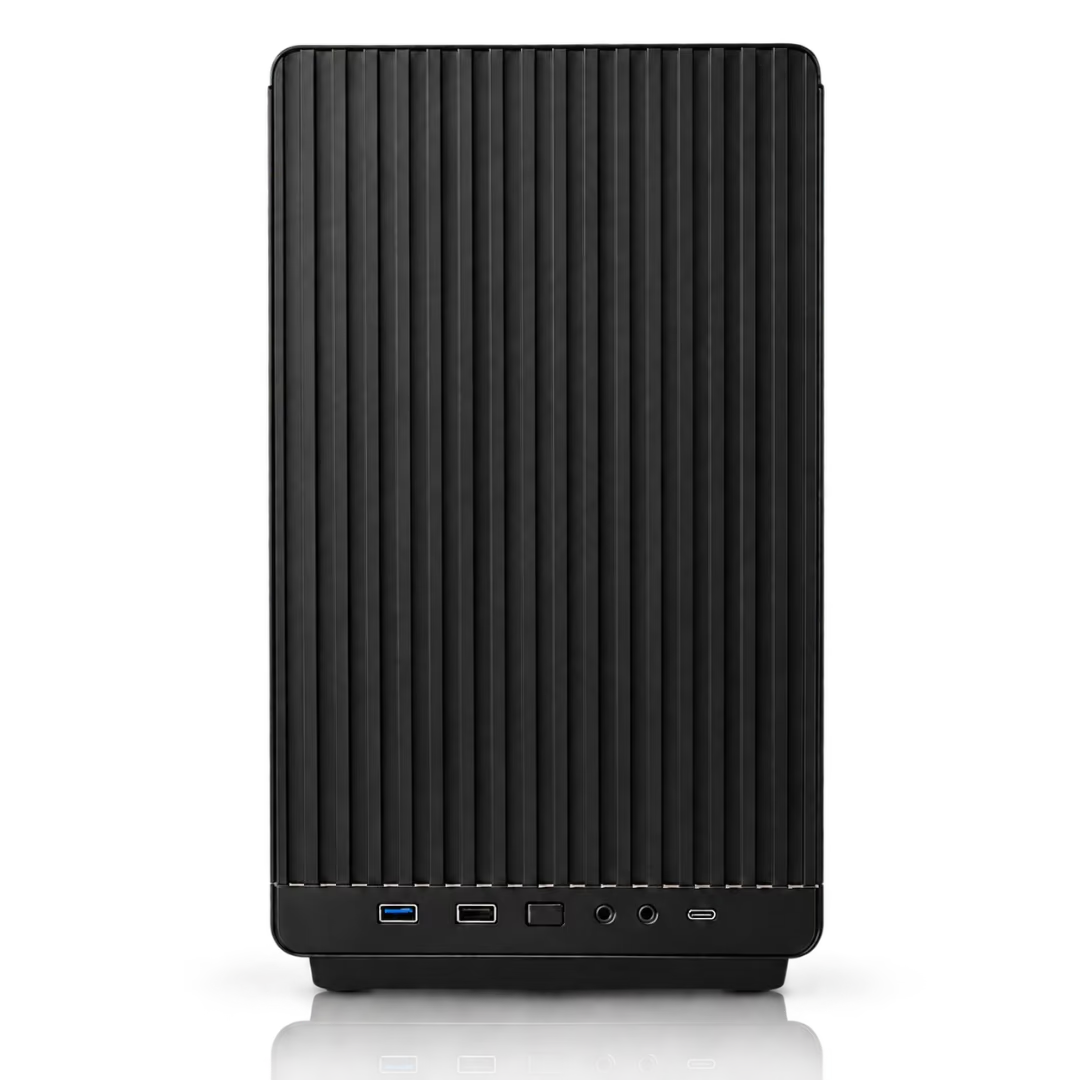
How an AI computer works
An AI computer combines three things in one place: GPU hardware sized to your model, the model itself (ideally one you own and that's trained on your domain), and an application layer, chat, API, and a usage platform, so your team can actually use it.
Because all three run locally, every prompt, document, and answer stays inside your perimeter. There is no external API call and no data leaving your network.
How is an AI computer different from cloud AI?
Cloud AI sends your data to a model on someone else's servers and bills per token forever. An AI computer keeps everything local for a fixed cost, and you own the model.
Who needs an AI computer?
Any organisation that can't send sensitive data to an external API: regulated enterprises, government, finance, healthcare, and research labs, especially those needing air-gapped operation.
Meet Locai One
Locai One is Locai Labs' AI computer: a fixed-cost on-prem appliance that bundles a sovereign model, serving, and an application layer, so you get on-prem control without building the stack yourself. Learn more on the Locai One page.
AI computer vs cloud AI
| AI computer (on-prem) | Cloud AI (API) | |
|---|---|---|
| Where data goes | Stays in your building | Sent to the provider |
| Cost model | Fixed, owned asset | Per-token, recurring |
| Control | You own the model | You rent access |
| Latency | Local, predictable | Network-dependent |
| Internet required | No (air-gap option) | Yes |
What this looks like with Locai
Running AI locally means assembling hardware, a model and a serving stack that work together. Here is what it looks like when that arrives as one product.
Locai Labs builds Locai One, an on-prem AI appliance. It is one machine that arrives with everything already in it: the hardware, our open-weight Locai Juno models, and Locai OS, the operating system that serves the models and handles users, access and monitoring. You plug it into a mains socket and your network, and your team is working in about 15 minutes. No cloud account, no per-token bill, and nothing leaving the building.
The reason a data-centre-class model fits in a box on your floor is SPACE, our compression algorithm. Instead of asking how much of a model can be cut while keeping it broadly similar, SPACE asks what the model needs to be good at, preserves the subnetworks behind those capabilities and strips back the rest. The result is a smaller specialist rather than a shrunken generalist, tuned to the exact hardware it ships on.
Locai One starts at £29,950 for a team, and Locai One Pro at £49,950 for an organisation, bought once and owned outright. Both run air-cooled on standard mains power and work fully air-gapped. Any compatible open-weight model runs alongside Juno, and if you need a model trained on your own proprietary data we can post-train one and deploy it on the same machine.
Frequently asked questions
What is an AI computer?
An on-prem appliance that runs your own AI models locally, hardware, model, and apps in one, so your data never leaves your environment.
How is it different from a normal server?
It's purpose-built for AI: GPU hardware sized to the model, a model trained on your data, and an application layer to use it, delivered as a ready-to-run solution.
Do I need internet to use one?
No. An AI computer can run fully air-gapped with no external connection, which is why it suits the most sensitive environments.
What does an AI computer cost?
It's a fixed cost rather than a per-token bill. See our on-prem AI cost guide for a breakdown and the API cost crossover.
Book a sovereign AI briefing
A 30-minute session on owning your model: deployment options, the data path, and a clear cost range for your use case.