Definition
What is local AI?
Running AI on your own hardware, inside your own network, and what that changes about cost, privacy and control.
In short
Local AI is artificial intelligence that runs on hardware you own, inside your own network, rather than as a metered API call to a provider's data centre. The model weights sit on your machine and every inference happens there, so prompts and documents never leave your building, cost is fixed rather than per-token, and the AI keeps working with no internet connection. "Local AI" and "on-prem AI" describe the same thing.
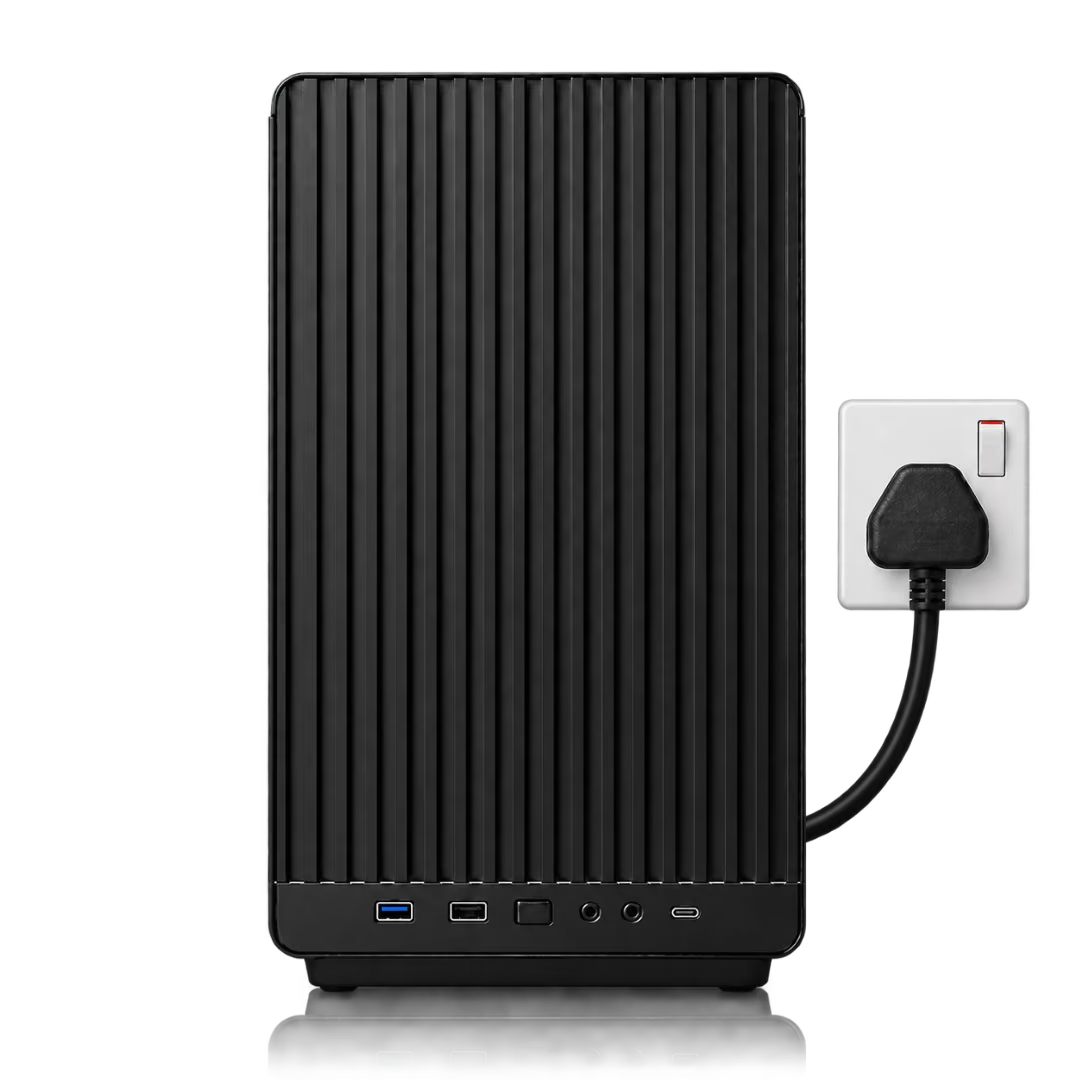
What makes AI local
- The weights are on your hardware: You hold the model file itself, not an API key that grants access to someone else's copy.
- Inference happens in your network: Prompts, documents and outputs are processed on your machine and never transit the public internet.
- It works offline: Because nothing is called remotely, a local deployment keeps running air-gapped or during an outage at a provider.
- Cost is fixed: You pay for the hardware once. Usage does not add to the bill, so teams can adopt AI heavily without a growing invoice.
Why local AI became practical
For most of the current AI wave, running a competitive model locally was not realistic: the best models were far too large for anything short of a data centre. Two things changed. Open-weight models from labs like DeepSeek, Qwen and NVIDIA closed much of the gap to the closed frontier, and compression techniques improved enough to fit those models onto a small number of GPUs without gutting their quality.
The result is that a single appliance can now serve a whole team with a model that would have needed a rack two years ago. At Locai we push this further with SPACE, a compression algorithm that asks what a model needs to be good at, preserves the subnetworks behind those capabilities and strips back the rest, producing a smaller specialist rather than a shrunken generalist.
What it takes to run AI locally
- GPU hardware with enough VRAM: Model size and precision determine the requirement. A quantised mid-size model needs tens of gigabytes; a large one needs hundreds.
- An inference engine: Software to serve the model efficiently to many users at once, rather than one request at a time.
- An access layer: An API, a chat application, and control over who can use which model.
- Somewhere to put it: Standard mains power and a network port. Modern appliances are air-cooled and quiet enough for an office.
Local, on-prem, private, sovereign: the same idea from four angles
These terms overlap heavily and are often used interchangeably, which causes real confusion for buyers. Each emphasises a different aspect of the same arrangement: local AI describes where the compute is, on-prem AI describes where the deployment sits, private AI describes what happens to your data, and sovereign AI describes who holds legal and jurisdictional control.
In practice, running AI locally on hardware you own delivers all four at once. That is the point: privacy and sovereignty stop being contractual promises and become properties of the architecture.
What local AI is good for, and what it is not
Local AI suits sustained, sensitive, high-volume work: engineering teams running coding agents all day, analysts working through confidential documents, research groups whose most valuable knowledge cannot leave the organisation. The economics favour it precisely when usage is heavy, because that is when per-token billing hurts most.
It is a weaker fit for spiky, occasional experimentation, or when you need a specific proprietary model that is only available hosted. Being honest about that matters: the question is not whether local beats cloud in the abstract, but whether your workload is steady enough to justify owning the machine.
How Locai delivers local AI
Locai One is an on-prem AI appliance that packages the three layers together: the hardware, our open-weight Locai Juno models, and Locai OS, which serves the models and handles users, access and monitoring. It plugs into a standard socket and your network, and is running in around 15 minutes. Any compatible open-weight model can run alongside Juno, and organisations that need a model trained on their own data can have one post-trained and deployed on the same machine.
Local AI vs a cloud AI API
| Local AI (Locai One) | Cloud AI API | |
|---|---|---|
| Where inference runs | Your network | Provider's data centre |
| Where your prompts go | Nowhere | To the provider |
| Cost model | Fixed, bought once | Per token, recurring |
| Model weights | Yours, open weight | Never yours |
| Works offline | Yes | No |
| Model deprecation | You choose when to change | Vendor decides |
| Upfront cost | Hardware purchase | None |
| Instant elastic scale | Add units | Yes |
What this looks like with Locai
Running AI locally means assembling hardware, a model and a serving stack that work together. Here is what it looks like when that arrives as one product.
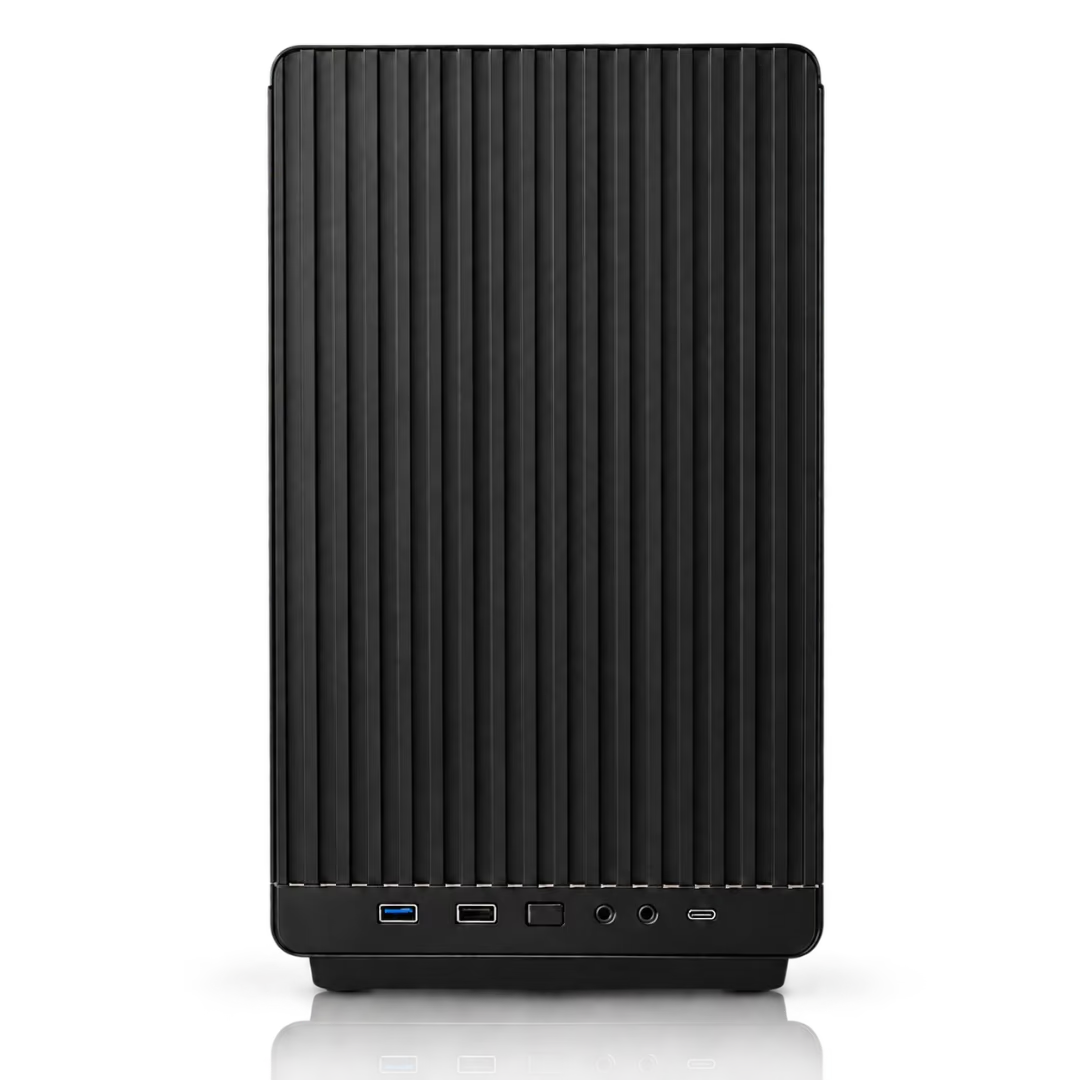
Locai Labs builds Locai One, an on-prem AI appliance. It is one machine that arrives with everything already in it: the hardware, our open-weight Locai Juno models, and Locai OS, the operating system that serves the models and handles users, access and monitoring. You plug it into a mains socket and your network, and your team is working in about 15 minutes. No cloud account, no per-token bill, and nothing leaving the building.
The reason a data-centre-class model fits in a box on your floor is SPACE, our compression algorithm. Instead of asking how much of a model can be cut while keeping it broadly similar, SPACE asks what the model needs to be good at, preserves the subnetworks behind those capabilities and strips back the rest. The result is a smaller specialist rather than a shrunken generalist, tuned to the exact hardware it ships on.
Locai One starts at £29,950 for a team, and Locai One Pro at £49,950 for an organisation, bought once and owned outright. Both run air-cooled on standard mains power and work fully air-gapped; Locai One serves up to 250 people at a time and Locai One Pro up to 500. Any compatible open-weight model runs alongside Juno, and if you need a model trained on your own proprietary data we can post-train one and deploy it on the same machine.
Frequently asked questions
What is local AI?
AI that runs on hardware you own, inside your own network, instead of as an API call to a provider's data centre. The weights sit on your machine and every inference happens there.
Is local AI the same as on-prem AI?
Yes, in practice they describe the same thing. "Local" emphasises that the compute is near you; "on-premise" emphasises that the deployment sits in your own facility rather than a provider's.
Can local AI match cloud models like GPT or Claude?
On general-purpose breadth, the largest hosted models still lead. On specific tasks a local model is specialised for, such as coding or document analysis, a well-compressed open-weight model can be competitive, and it answers without your data leaving the building.
What hardware do I need to run AI locally?
Enough GPU VRAM for your chosen model and precision, plus an inference engine and an access layer. Locai One bundles all of it as an appliance, from a single RTX Blackwell GPU with 96 GB of VRAM up to two GPUs and 192 GB on Locai One Pro.
Is local AI cheaper than an API?
For sustained enterprise use, usually yes, because the hardware is a one-off cost while API billing recurs and grows with adoption. For light or occasional use, an API is cheaper. Our AI cost calculator compares the two against your own usage.
Is local AI more secure?
Keeping inference in your own network removes an entire category of exposure: there is no third party processing your prompts and no cross-border data transfer to justify. It also lets you run fully air-gapped for classified work.
Book a sovereign AI briefing
A 30-minute session on owning your model: deployment options, the data path, and a clear cost range for your use case.